
AI Tool Description
Artificial intelligence is transforming the way we work, learn, create content, and solve problems. Google offers a growing range of AI-powered tools that help students, researchers, developers, entrepreneurs, content creators, and professionals work more efficiently.
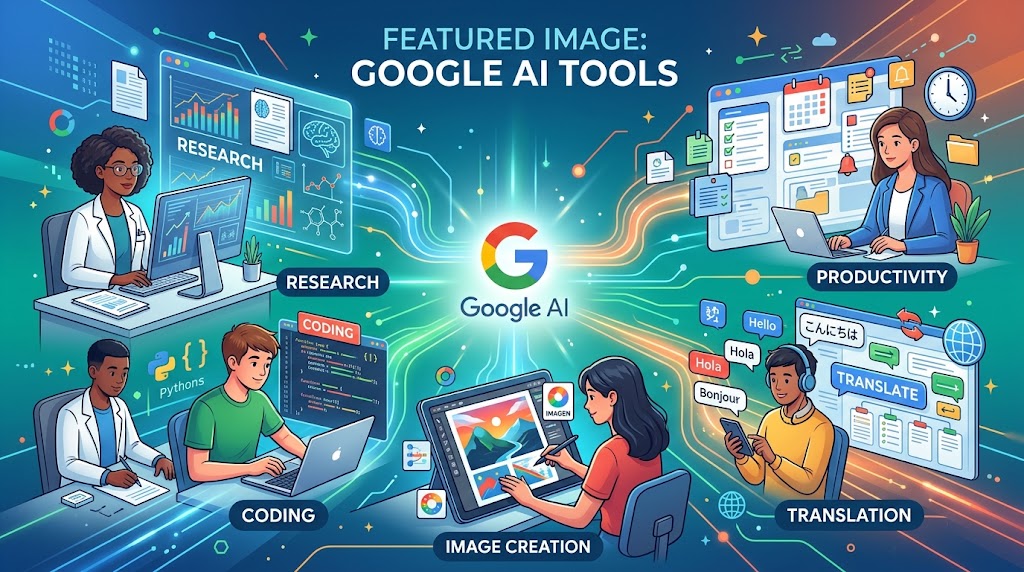
From writing and research to image generation, translation, coding, and machine learning, these tools offer practical solutions for different needs. Here are 15 useful Google AI tools and platforms worth exploring.
1. Google Gemini – Your AI Assistant
Website: https://gemini.google.com
Google Gemini is Google’s conversational AI assistant. It helps users write content, brainstorm ideas, summarize information, explain complex topics, and generate or troubleshoot code.
You can also use Gemini to analyze supported documents and images, making it useful for students, professionals, researchers, and content creators.
Best for: Writing, brainstorming, learning, coding, and everyday productivity.
2. NotebookLM — AI-Powered Research Assistant
Website: https://notebooklm.google.com
NotebookLM is an AI research and learning assistant that works with sources you provide. You can upload supported documents, PDFs, notes, and other materials to explore information and organize your research.
It can generate summaries, answer questions based on your sources, identify important ideas, and create Audio Overviews that present information in a podcast-style format.
Best for: Students, researchers, educators, and professionals who work with large amounts of information.
3. Google Lens — Search Using Images
Website: https://lens.google
Google Lens uses visual recognition to help you search for information about objects, text, products, plants, landmarks, and other things you see.
With a camera or an existing image, you can translate text, copy printed words, identify objects, find visually similar items, and explore information about what is around you.
Best for: Visual learning, translation, shopping research, and identifying unfamiliar objects.
4. Google AI Studio — Build and Test AI Applications
Website: https://aistudio.google.com
Google AI Studio provides a workspace for experimenting with Google’s Gemini models and developing AI-powered applications.
Developers can test prompts, explore model capabilities, prototype applications, and access API tools for integrating AI into their projects.
It is a useful starting point for people who want to move beyond using AI assistants and begin building their own AI solutions.
Best for: Developers, AI enthusiasts, students, and startup founders.
5. Google Translate — Translate Across Languages
Website: https://translate.google.com
Google Translate helps users communicate across languages by translating text, documents, websites, speech, and images through its supported features.
It supports Amharic and many other languages, making it particularly useful for multilingual communication, learning, and accessing information from around the world.
Translation quality can vary depending on the language and context, so important documents should be reviewed carefully.
Best for: Students, travelers, researchers, businesses, and multilingual users.
6. ImageFX and Google’s Imagen Technology — Generate Images With AI
Website: https://aitestkitchen.withgoogle.com/tools/image-fx
Google’s image-generation technologies can turn written descriptions into visual content. Depending on the product and availability, users can create illustrations, concept art, realistic scenes, and creative visuals from text prompts.
These tools can help users explore design ideas without having to draw every element manually.
Note: ImageFX access and the availability of particular Imagen models may change over time.
Best for: Content creators, designers, educators, marketers, and creative professionals.
7. Gemini for Google Workspace — AI for Everyday Work
Website: https://workspace.google.com/solutions/ai/
Google integrates Gemini-powered AI features into supported Workspace applications, including Gmail, Google Docs, Sheets, Slides, and other services.
Depending on your plan and available features, these tools can help draft emails, summarize documents, organize information, analyze data, and prepare presentations.
Availability varies by subscription, account type, and region.
Best for: Office workers, businesses, teams, educators, and professionals.
8. MusicFX — Experiment With AI-Generated Music
Website: https://aitestkitchen.withgoogle.com/tools/music-fx
MusicFX is an experimental Google tool designed to generate music from text descriptions. Users can describe a musical style, mood, or atmosphere and explore AI-generated audio.
It offers an accessible way to experiment with musical ideas without needing advanced music-production skills.
Access, supported features, and usage terms may vary.
Best for: Music enthusiasts, video creators, artists, and people exploring AI-generated audio.
9. Kaggle — Learn Data Science and Machine Learning
Website: https://www.kaggle.com
Kaggle is a platform for data science and machine learning. It provides datasets, notebooks, competitions, learning resources, and a community where users can share projects and develop technical skills.
Its notebook environment offers access to computing resources, including GPU or TPU acceleration in supported configurations and subject to usage limits.
Although Kaggle is not exclusively a Google AI assistant, it is a valuable platform for learning and developing AI and data science projects.
Best for: Data scientists, students, researchers, and machine learning beginners.
10. Google Photos — AI-Powered Photo Editing
Website: https://photos.google.com
Google Photos includes AI-powered editing features that help users improve and transform their photographs.
Depending on device, account, and regional availability, features may include Magic Eraser, Magic Editor, object removal, background adjustments, and other image enhancements.
These tools make it easier to improve photos without professional editing software.
Best for: Everyday users, photographers, travelers, and social media creators.
11. Google Colab — Write and Run Python Code Online
Website: https://colab.research.google.com
Google Colab is a cloud-based notebook environment that allows users to write and execute Python code directly in a browser.
It is widely used for data analysis, machine learning, AI experiments, and educational projects. Users can also access GPU and TPU computing resources when available, although free access is subject to limits.
Because it does not require a traditional local development setup, Colab is a convenient place to start learning Python and experimenting with machine learning.
Best for: Students, programmers, researchers, and aspiring AI developers.
12. Google Vertex AI — Develop AI Solutions at Scale
Website: https://cloud.google.com/vertex-ai
Vertex AI is Google Cloud’s platform for building, deploying, and managing machine learning and generative AI applications.
It provides tools for working with AI models, preparing data, evaluating model performance, creating applications, and deploying AI systems into production.
Organizations can use the platform to develop solutions such as intelligent assistants, document-processing systems, predictive models, and other AI-powered services.
Best for: Businesses, enterprise teams, data scientists, and professional developers.
13. MediaPipe — Build Applications That Understand Images and Movement
Website: https://developers.google.com/mediapipe
MediaPipe is a framework for building applications that process images, video, audio, and other forms of data, with support for tasks such as face detection, hand tracking, pose estimation, and gesture recognition.
Developers can use its capabilities to create interactive applications for education, fitness, accessibility, augmented reality, and computer vision.
It is particularly useful for projects that need to understand visual information in real time.
Best for: Software developers, computer vision learners, and researchers.
14. Teachable Machine — Create Machine Learning Models Without Coding
Website: https://teachablemachine.withgoogle.com
Teachable Machine is an accessible educational tool that allows users to train simple machine learning models using examples such as images, sounds, and body poses.
You can collect examples, train a model, test its predictions, and explore how a machine learning system learns to recognize patterns—all without needing to write code.
It is an excellent introduction to the basic concepts behind AI and machine learning.
Best for: Beginners, students, teachers, and classroom projects.
15. Google Quick, Draw! — Explore How AI Recognizes Drawings
Website: https://quickdraw.withgoogle.com
Quick, Draw! is an interactive experiment in which users draw simple objects while a neural network attempts to guess what they are drawing.
The experience demonstrates how machine learning can recognize patterns from examples and how AI systems interpret visual input.
It is a fun way to explore a basic idea behind computer vision while improving your own drawing speed.
Best for: Children, students, teachers, and anyone curious about how AI works.
Which Google AI Tool Should You Choose?
The best tool depends on what you want to accomplish. Here is a quick guide to help you get started.
| Your goal | Recommended tool |
|---|---|
| Write, brainstorm, or ask questions | Google Gemini |
| Research and summarize documents | NotebookLM |
| Translate text or identify objects | Google Translate or Google Lens |
| Generate images | ImageFX or available Imagen tools |
| Create music from descriptions | MusicFX, where available |
| Write Python code and experiment with AI | Google Colab |
| Build AI applications | Google AI Studio |
| Deploy AI solutions for an organization | Google Vertex AI |
| Learn machine learning without coding | Teachable Machine |
| Learn data science and practice projects | Kaggle |
Final Thoughts
Google’s AI ecosystem offers tools for a wide range of users, from beginners exploring artificial intelligence to experienced developers building sophisticated applications.
You do not need to learn every tool at once. Start with one that addresses a real need: use Gemini for everyday tasks, NotebookLM for research, Colab for coding, or Teachable Machine to understand machine learning.
As you become more familiar with these tools, you can combine them to improve productivity, develop new skills, and explore opportunities in education, business, research, and technology.
Important: Features, pricing, account requirements, and regional availability can change. Visit each tool’s official website to check its current capabilities and terms before using it in your work.